

Space
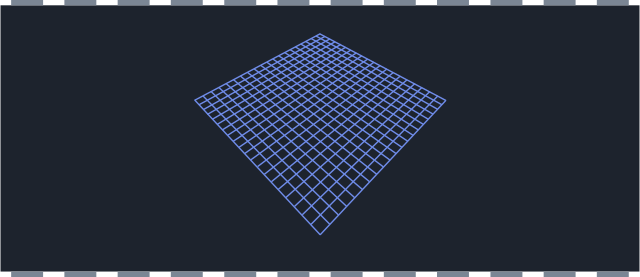
Game graphics is about squeezing a great deal of linear algebra into the tiny slice of computational time the game loop gives us.
Game categories
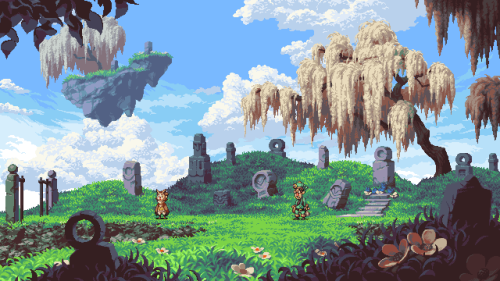
2D
- top-down or side view
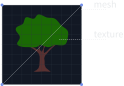
- sprites are mapped onto quads
- layered rendering, orthographic projection
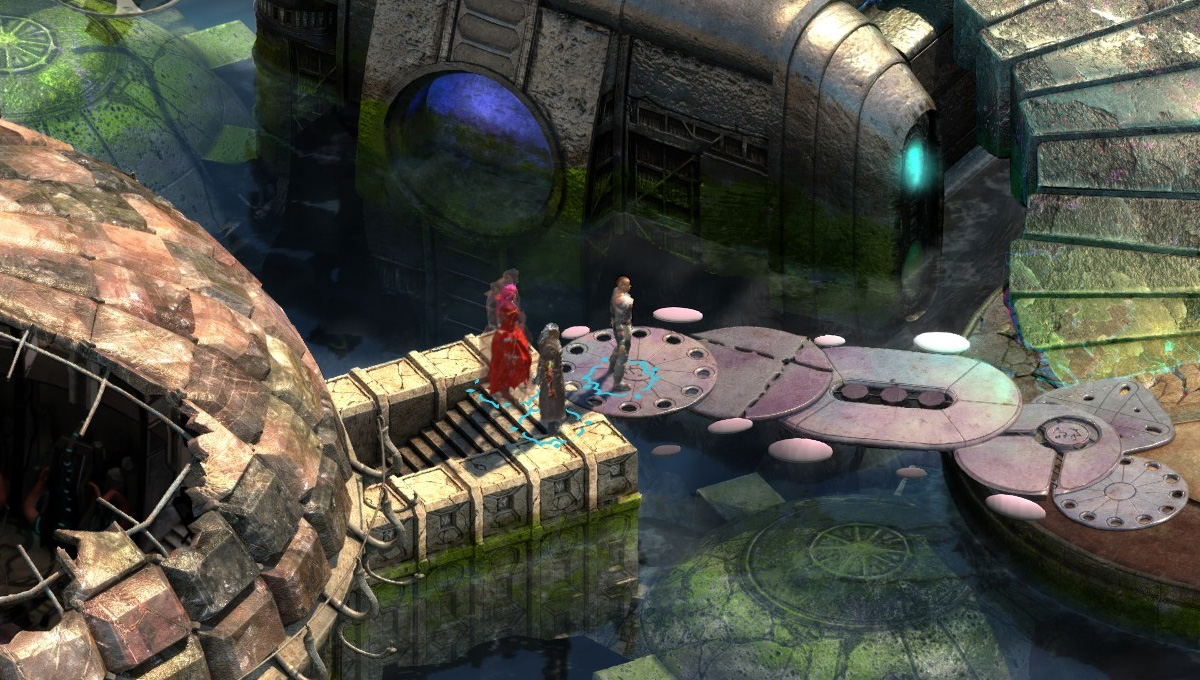
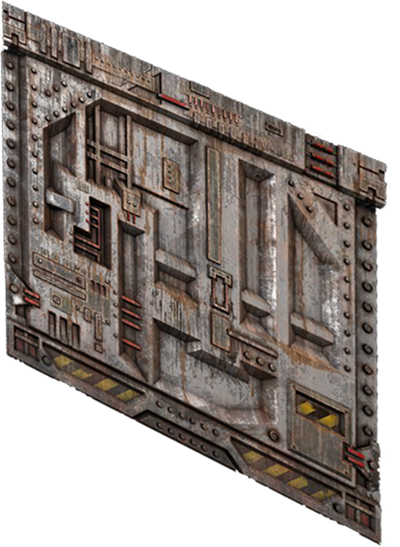
Isometric 2D
- view that reveal more facets than pure 2D
- several types of projection: 104°-135°

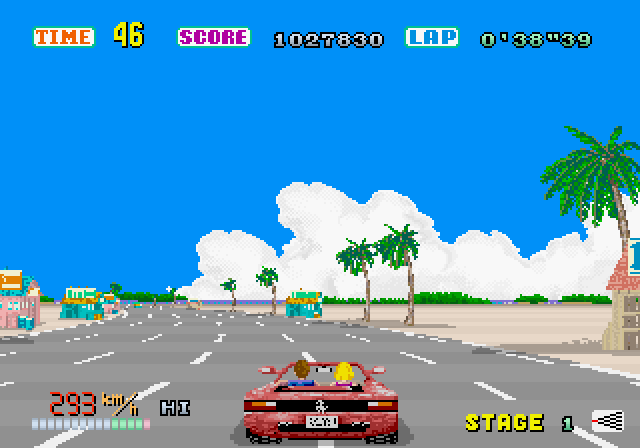
Fake 3D
- raycasting
- Mode 7 from SNES games
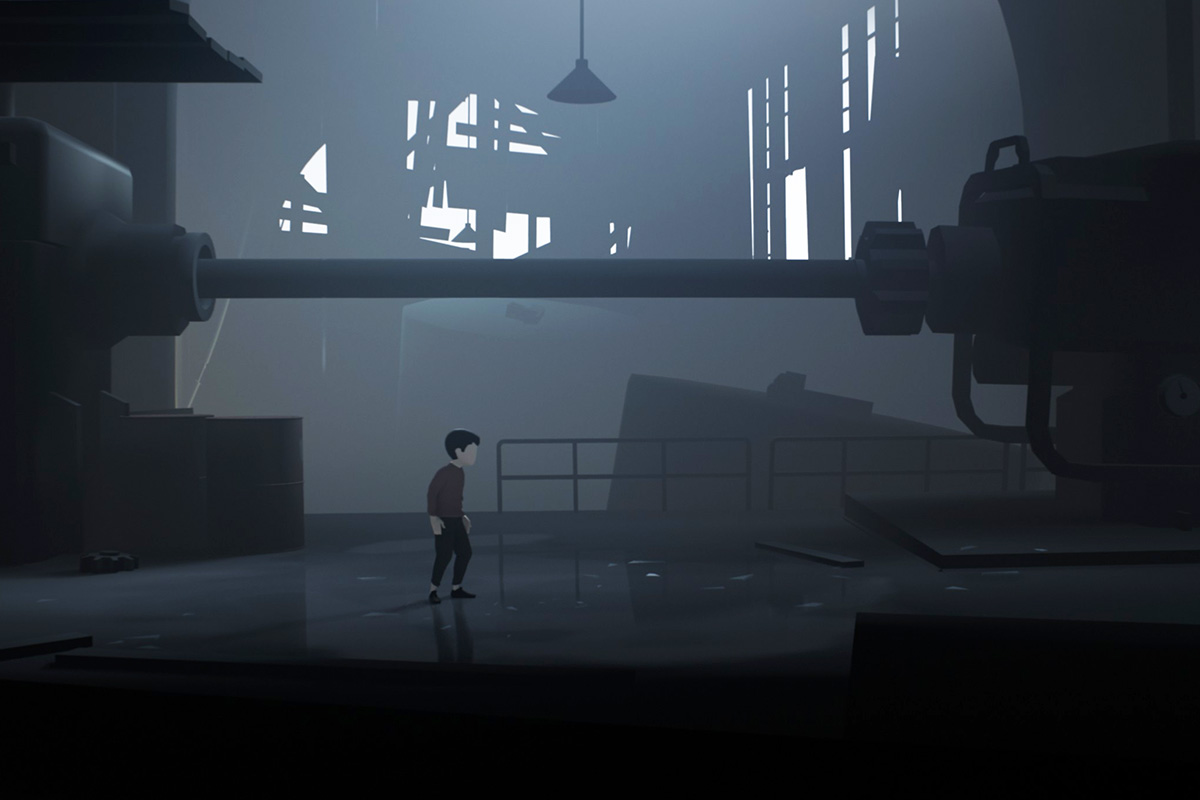
2.5D
- 3D game with a gameplay limited to 2 dimensions (e.g. sidescrollers)
3D
- regular 3-dimensional game
Homogeneous coordinates
- in Euclidean geometry we use Cartesian coordinates
- in projective geometry we use Homogeneous coordinates
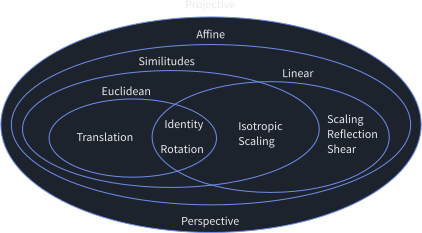
- we can express all affine transforms and projections as one matrix
- transformations can be composed by matrix multiplication
- for points, for vectors
- Homogeneous coordinates -> Cartesian coordinates
- Cartesian coordiantes -> Homogeneous coordinates
- Example: homogeneous matrix of a rotation matrix and a position vector
Rotation in 3D space
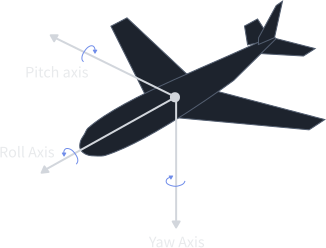
Rotational representations
Euler angles
- Pitch, Yaw, Roll
- simple, small size (3 floats), intuitive
- the order in which the rotations are performed matters
- gimbal lock issue - when a 90-degree rotation causes one axis to collapse onto another
Quaternions
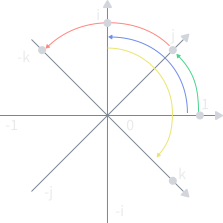
- axis + angle + extra algebra
- alternative form:
- unit-length:
- a unit quaternion can be visualised as a 3D vector + scalar
- permits rotations to be easily interpolated
- can perform only one full rotation between keyframes
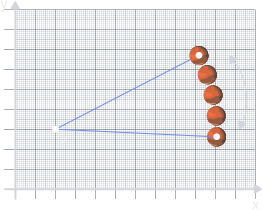
Rotation in affine space
Rotation about a fixed point
- move to the origin, rotate, move back
- post-multiply order -> right to left in the expresion and bottom to top in the code
- the origin of the object matters
OpenGL example:
| 1 | glPushMatrix(); |
| 2 | glTranslatef(250,250,0.0); // 3. Translate to the object's position. |
| 3 | glRotatef(angle,0.0,0.0,1.0); // 2. Rotate the object. |
| 4 | glTranslatef(-250,-250,0.0); // 1. Translate to the origin. |
| 5 | glPopMatrix(); |
Space
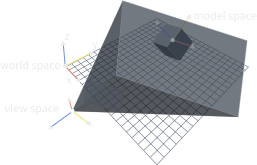
Model Space
- origin is usually placed at a central location (center of mass)
- axes are aligned to natural direction of the model
World Space
- fixed coordinate space, in which the transformations of all objects in the game world are expressed
View/Camera Space
- coordinate frame fixed to the camera
- space origin is placed at the focal point of the camera
- OpenGL: camera faces toward negative z
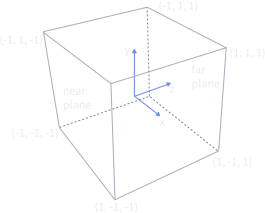
Clip Space
- a rectangular prism extending from -1 to 1 (OpenGL)
View/Screen Space
- a region of the screen used to display a portion of the final image
World-Model-View
Clip Space
View Volume
- View volume - region of space the camera can see
- Frustum - the shape of view volume for perspective projection
- Rectangular prism - the shape of view volume for orthographic projection
- Field of View (FOV) - the angle between the top and bottom of a 2D surface of the projected world
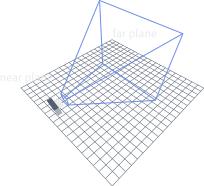
Perspective projection
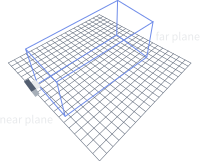
Orthographic projection
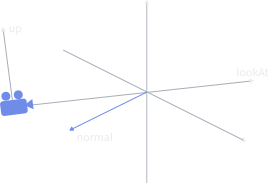
Lookat Vector
- a unit vector that points in the same direction as the camera
- if the dot product between lookAt vector and the normal vector of a polygon is lower than zero, the polygon is facing the camera
Animations
Animations
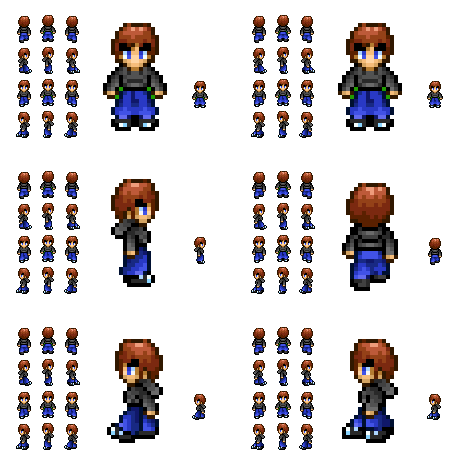
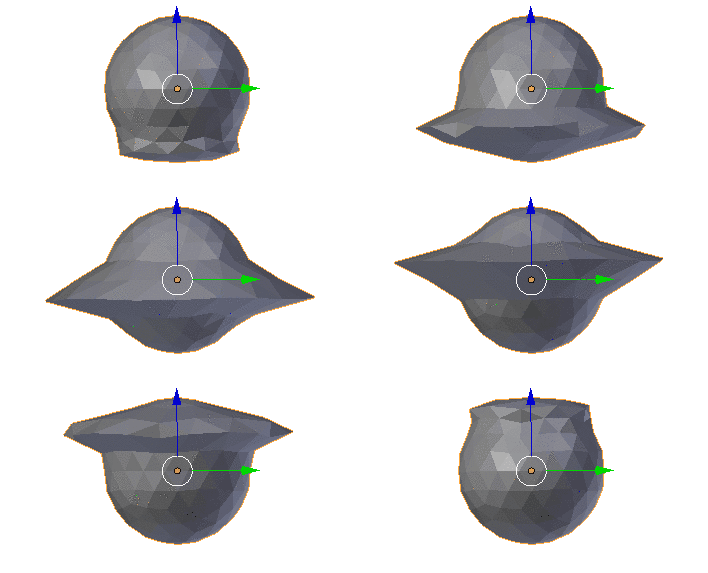
Rotoscoping animations
- predefined set of images/sprites
- simple and intuitive, but impossible to re-define without changing the assets
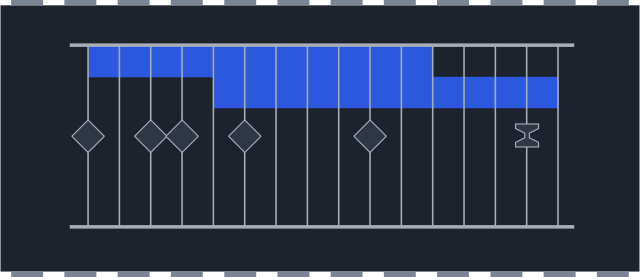
Keyframed animation
- keyframes contain values (position, color, modifier,...) at given point in time
- intermediate frames are interpolated
Skeletal animation
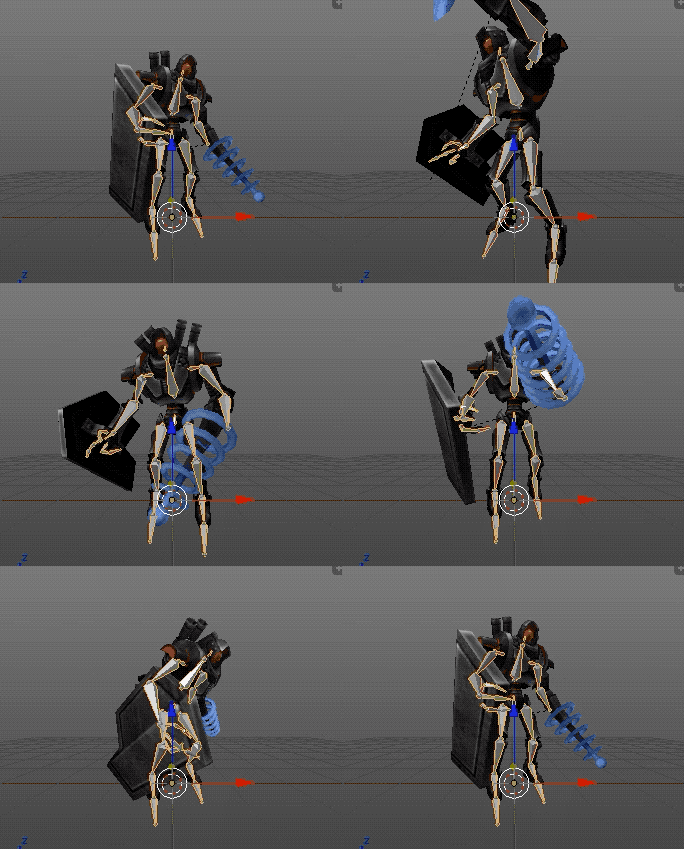
- object has a skeleton (rigging) bound to its mesh by assigning weights (skinning)
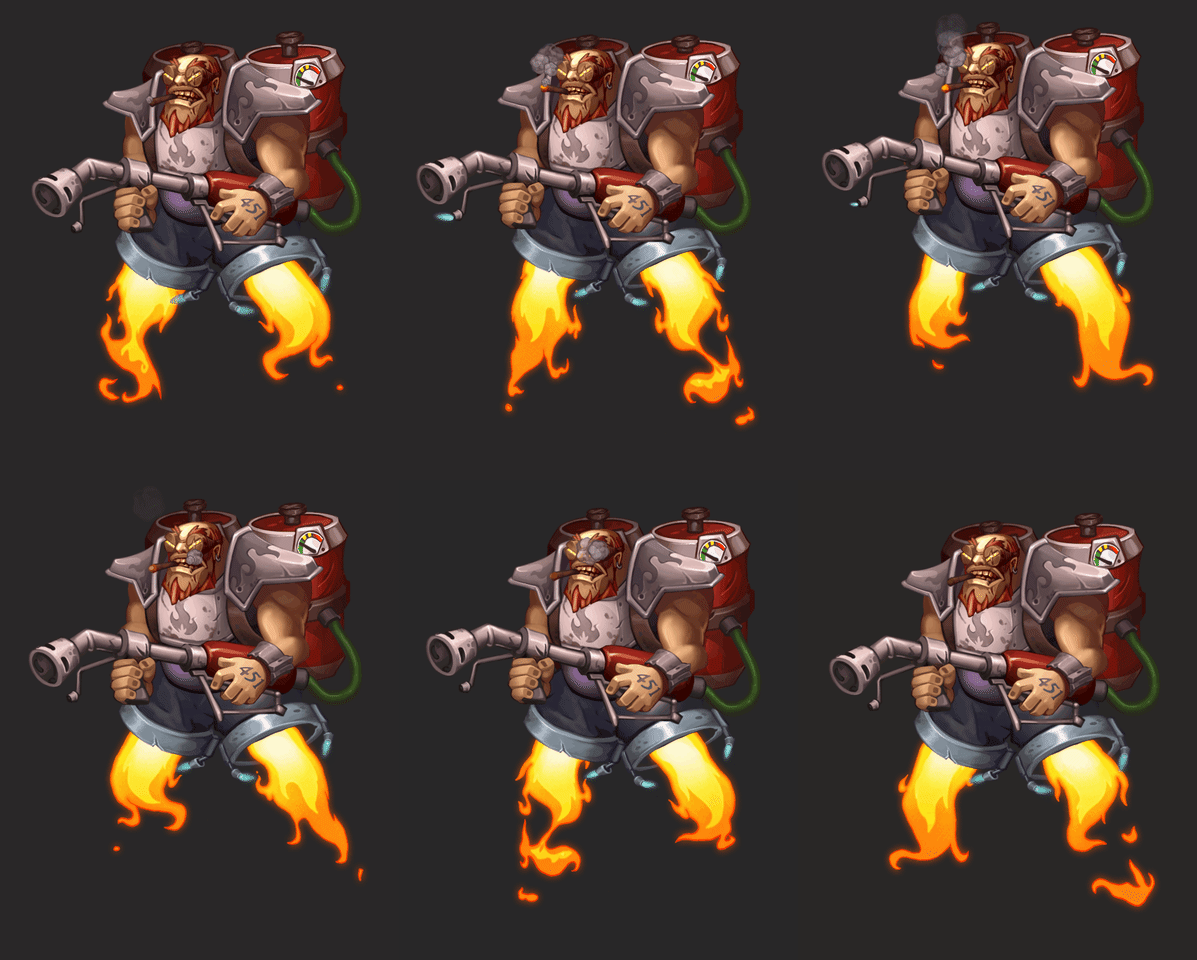
Warped animations
- a simple trick for 2D animations that combines fragmented sprites and grid-based distortion
Rotoscoping
Keyframed

Skeletal 2D
Skeletal 3D
Warped
Interpolation
- a method that calculates semi-points within the range of given points
Applications
- graphics - image resizing
- animations - transformation morphing
- multiplayer - game state morphing
- audio/video - sample/keyframe interpolation
Main methods
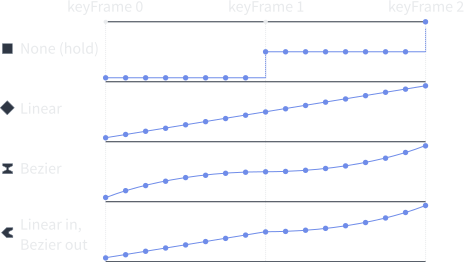
- Constant interpolation (none/hold)
- Linear interpolation
- Cosine interpolation
- Cubic interpolation
- Bézier interpolation
- Hermite interpolation
- SLERP (spherical linear interpolation)
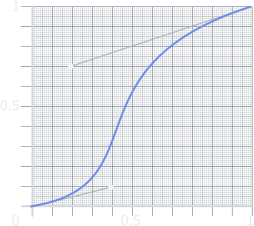
Bezier Curve
- parametric curve defined by a set of control points
- most common - cubic curve, 4 points, 2 points provide directional information
Linear Interpolation
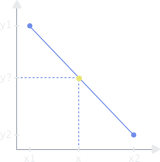
Linear Interpolation
- for 1D values (time, sound)
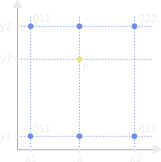
Bilinear interpolation
- on a rectilinear 2D grid
- for 2D values (images, textures)
- Q - known points (closest pixels)
- P - desired point
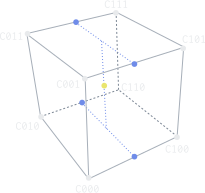
Trilinear interpolation
- on a regular 3D grid
- for 3D values (mipmaps)
Example: 2D interpolation

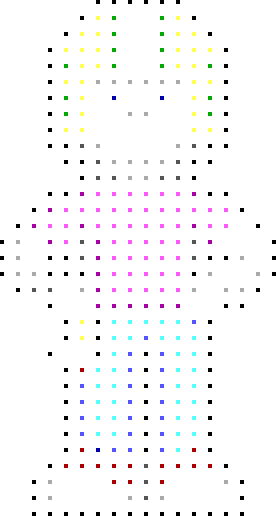
No interpolation
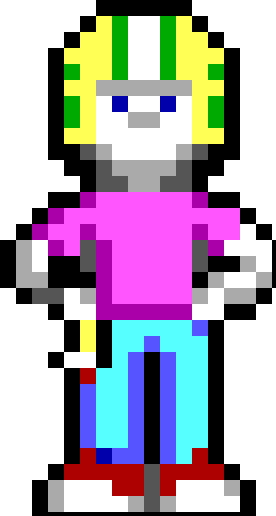
Constant (nearest neighbor)
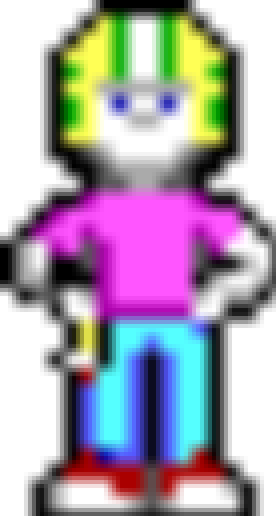
Bilinear
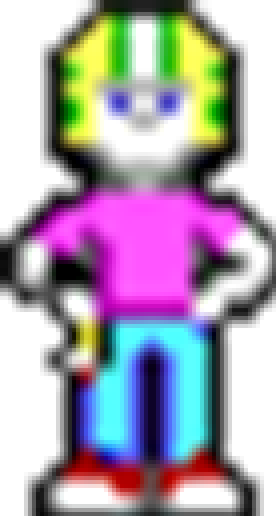
Cubic
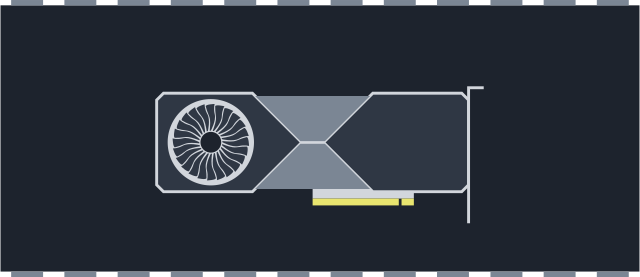
GPU processing
History of PC GPU
History of PC GPU
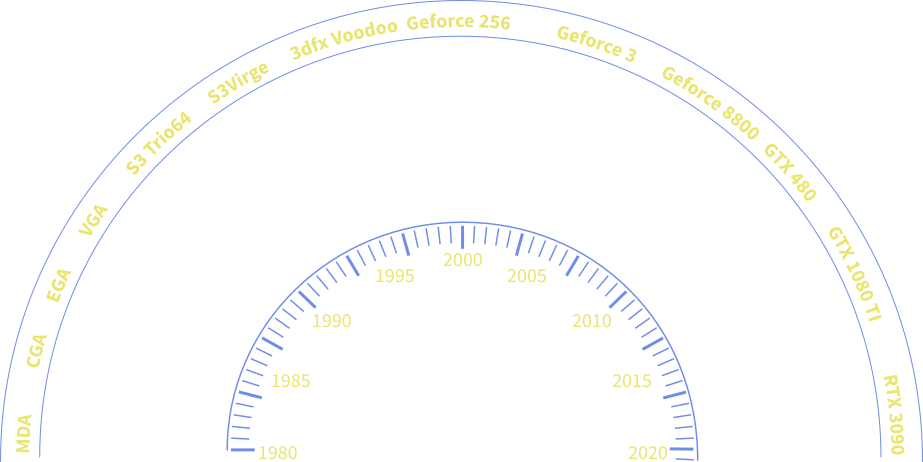
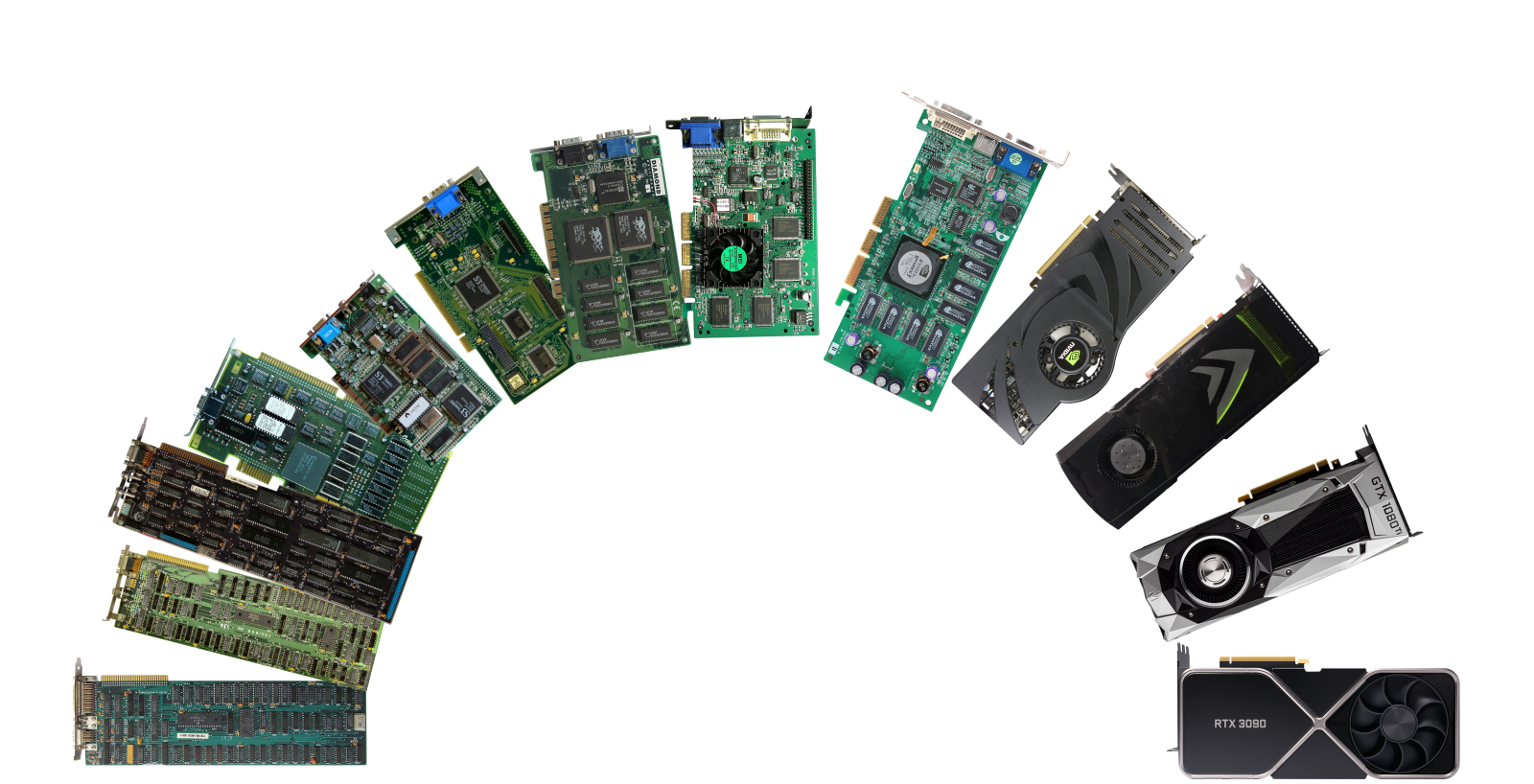
- 1981 - IBM MDA, Monochrome Display Adapter
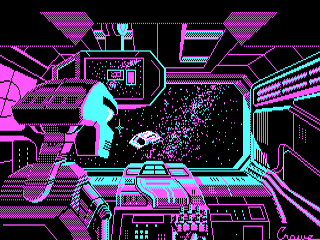
- 1982 - IBM CGA, Color Graphics Adapter, 4/16 colors
- 1984 - IBM EGA, Enhanced Graphics Adapter, 16/64 colors
- 1987 - VGA - Video Graphics Array, 256 colors
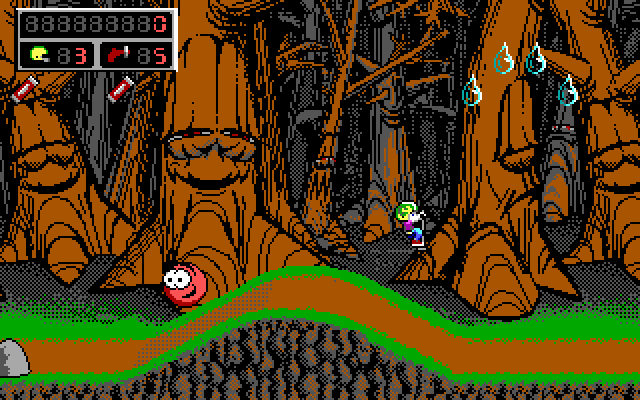
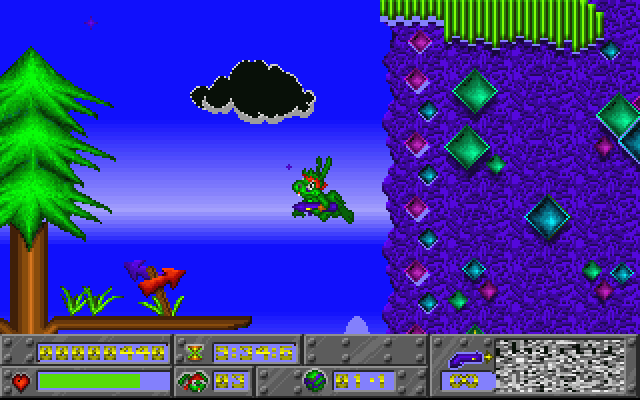
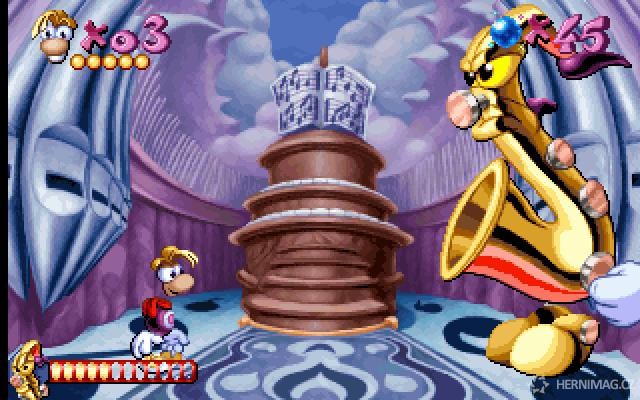
- 1994 - S3 Trio64 - golden era of DOS games
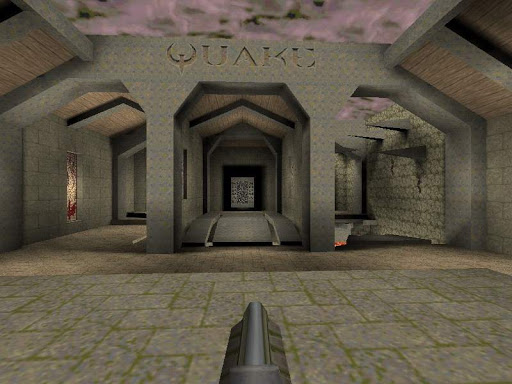
- 1996 - 3dfx Voodoo - rise of 3D acceleration
- 1999 - Geforce 256 - rendering pipeline
- 2003 - Geforce 3 - rise of shaders
- 2006 - Geforce 8 - SM architecture, CUDA
- 2016 - Oculus Rift - rise of VR headsets
- 2018 - Geforce 10 - Tensor cores and Raytracing
Graphics API
DirectX
- since 1995
- widely used for Windows and Xbox games
- current version - DirectX 12 Ultimate
OpenGL
- since 1992
- concept of state machine
- cross-platform
- OpenGL ES - main graphics library for Android, iOS

Vulkan
- since 2015
- referred as the next generation of OpenGL
- lower overhead, more direct control over the GPU than OpenGL
- unified management of compute kernels and shaders

Triangle meshes
- the simplest type of polygons, always planar
- all GPUs are designed around triangle rasterization
Constructing a triangle mesh
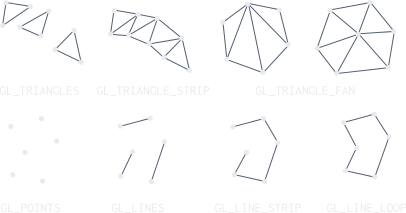
- a) winding order (clockwise or counter-cw)
- b) triangle lists, strips and fans
- c) mesh instancing - shared data
Terms
Vertex
- primarily a point in 3D space with x, y, z coordinates
- attributes: position vector, normal, color, uv coordinates, skinning weights,...
Fragment
- a sample-sized segment of a rasterized primitive
- its size depends on sampling method
Texture
- a piece of bitmap that is applied to a model
Occlusion
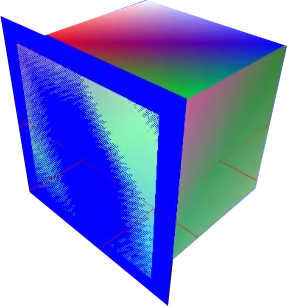
- rendering two triangles that overlap each other
- Z-fighting issue
Z-Fighting
- solution: more precise depth buffer
Culling
- process of removing triangles that aren't facing the camera
- frustum culling, portals, anti-portals,...
NVidia Amper Architecture
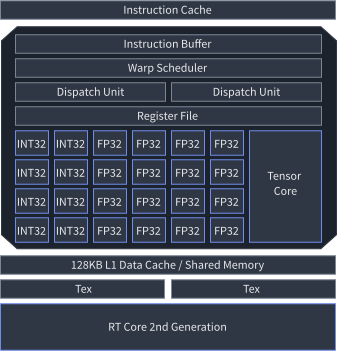
Rendering pipeline
- Vertex Fetch: driver inserts the command in a GPU-readable encoding inside a pushbuffer
- Poly Morph Engine of SM fetches the vertex data
- Warps of 32 threads are scheduled inside the SM
- Vertex shaders in the warp are executed
- H/D/G shaders are executed (optional step)
- Raster engine generates the pixel information
- data is sent to ROP (Render Output Unit)
- ROP performs depth-testing, blending, antialiasing etc.
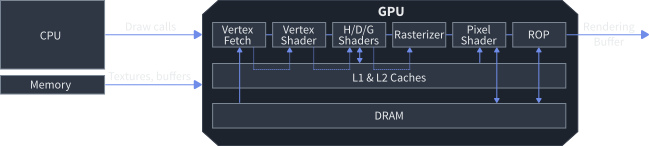
Rendering pipeline
Vertex shader phase
- handles transformation from model space to view space
- full access to texture data (height maps)
Tessellation shader phase (optional)
- subdivides geometry (e.g. for brick walls)
- Tessellation Control Shader - determines the amount of tessellation
- Tessellation Evaluation Shader - applies the interpolation
Geometry shader phase (optional)
- operates on entire primitives in homogeneous clip space
Rasterization phase
- Assembly - converts a vertex stream into a sequence of base primitives
- Clipping - transformation of clip space to window-space, discarding triangles that are outside
- Culling - discards triangles facing away from the viewer
- Rasterization - generates a sequence of fragments (window-space)
Rendering pipeline
Fragment shader phase
- input: fragment, output: color, depth value, stencil value
- can address texture maps and run per-pixel calculations
Final phase
- Additional culling tests
- pixel ownership - fails if the pixel is not owned by the API
- scissor test - fails if the pixel lies outside of a screen rectangle
- stencil test - comparing against stencil buffer
- depth test - comparing against depth buffer
- Color blending
- combines colors from fragment shader with colors in the color buffers
- fragments can override each other or be mixed together
- writes data to framebuffer
- swaps buffers
Rendering pipeline
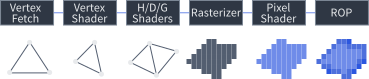
Shaders
- programs that run on the video card in order to perform a variety of specialized functions (lighting, effects, post-processing, physics, AI)
Vertex shader
- input is vertex, output is transformed vertex
Geometry shader (optional)
- input is n-vertex primitive, output is zero or more primitives
Tessellation shader (optional)
- input is primitive, output is subdivided primitive
Pixel (fragment) shader
- input is fragment, output is color, depth value, stencil value
- widely used for visual effects
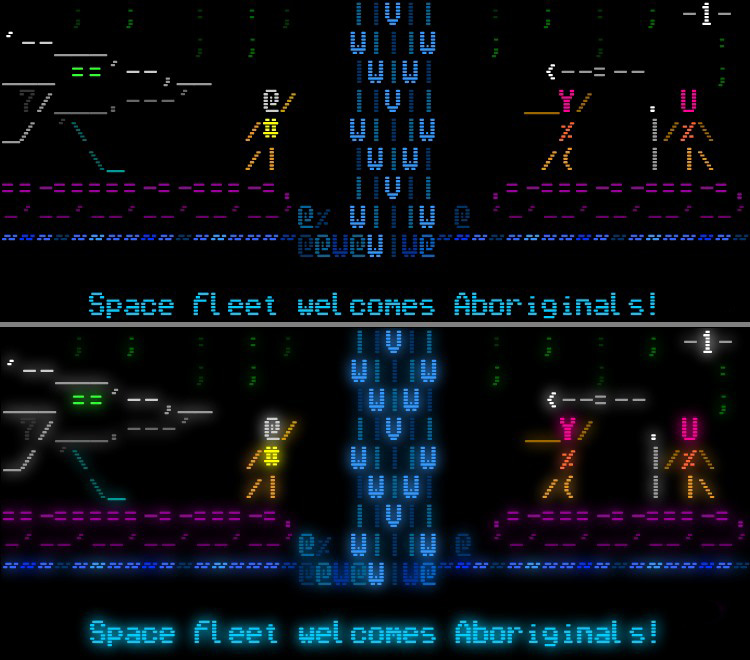
ASCIIdent
Compute shader
- shader that runs outside of the rendering pipeline (e.g. CUDA)
Shader applications
Vertex shader
- 3D-to-2D transformation
- displacement mapping
- skinning
Tessellation shader
- Hull Shader - tessellation control
- Domain Shader - tessellation evaluation
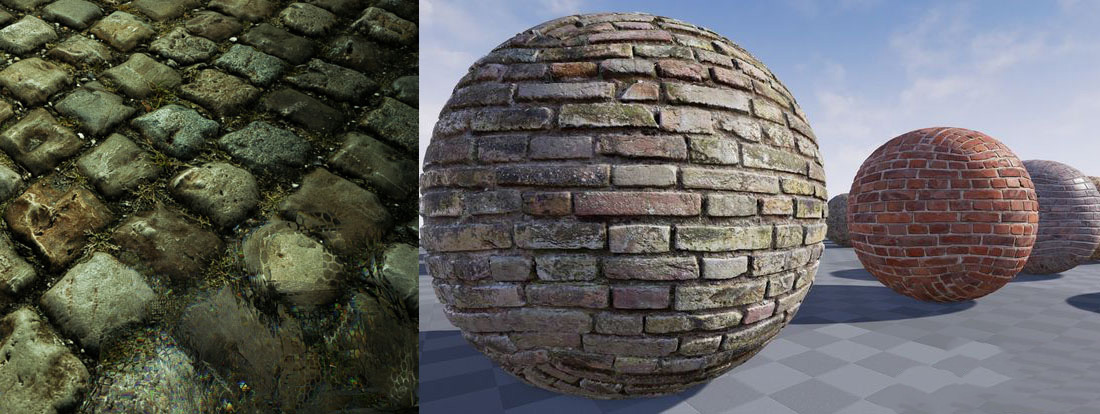
Surface Tessellation
Geometry shader
- sprite-from-point transformation
- cloth simulation
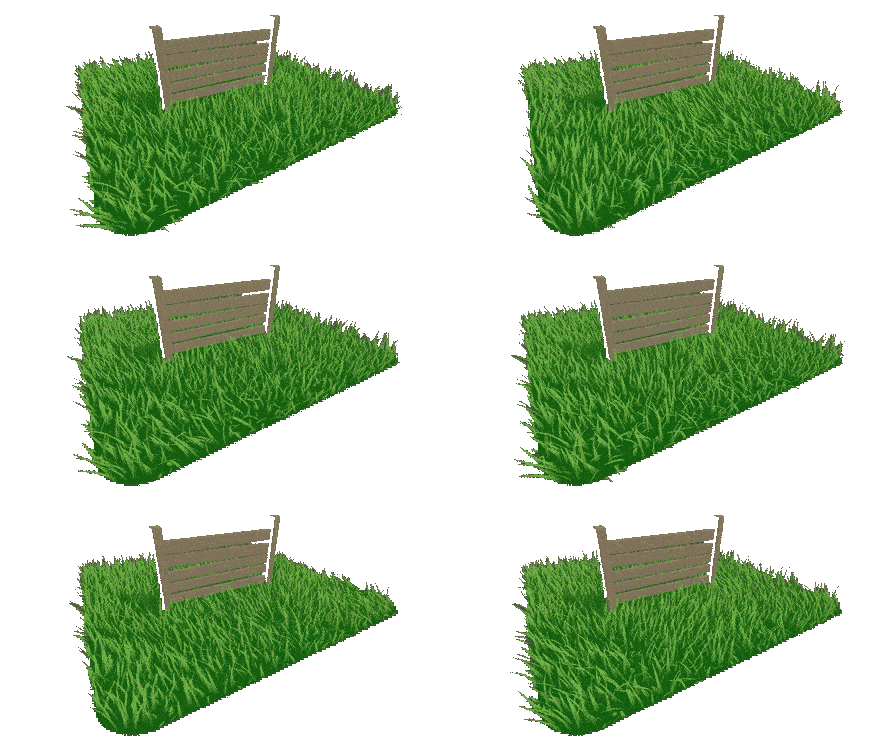
Geometry shader grass
Pixel (fragment) shader
- bump mapping
- particle systems
- visual effects
- PBR (physically-based rendering)
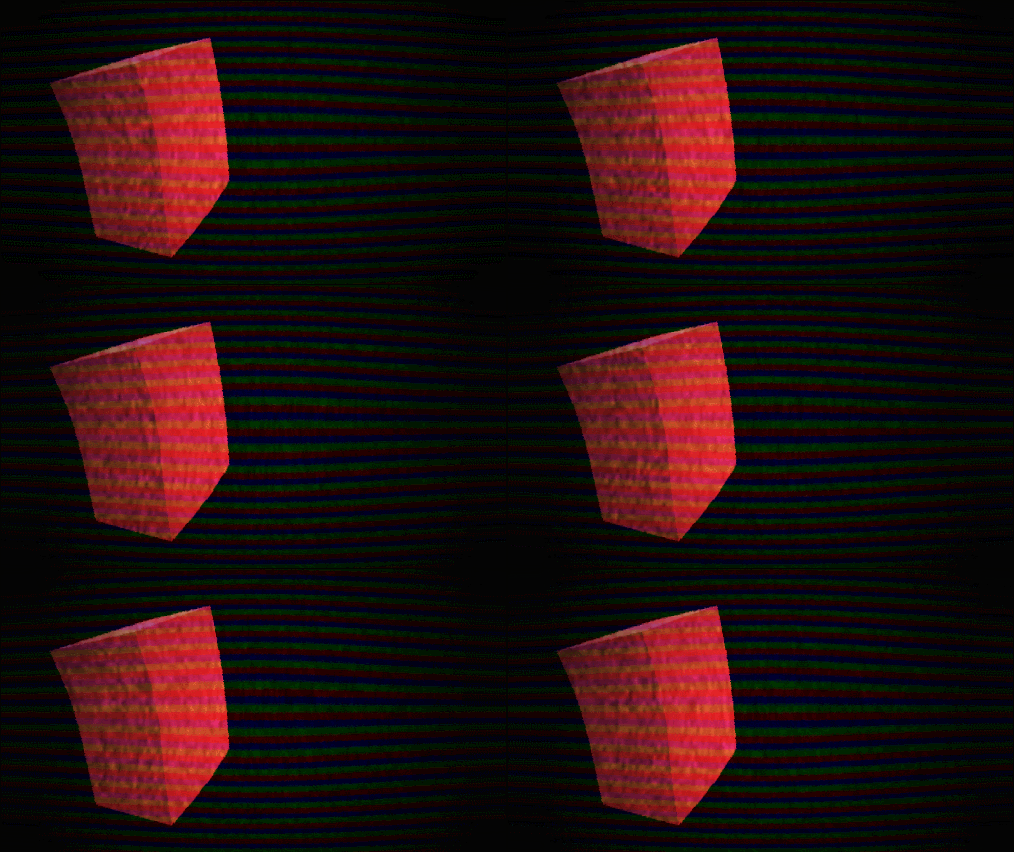
Screen Effect
Example: Geometry shader
| 1 | #version 150 core |
| 2 | layout(points) in; |
| 3 | layout(line_strip, max_vertices = 11) out; |
| 4 | in vec3 vColor[]; |
| 5 | out vec3 fColor; |
| 6 | const float PI = 3.1415926; |
| 7 | |
| 8 | void main() { |
| 9 | fColor = vColor[0]; |
| 10 | |
| 11 | for (int i = 0; i <= 10; i++) { |
| 12 | // Angle between each side in radians |
| 13 | float ang = PI * 2.0 / 10.0 * i; |
| 14 | |
| 15 | // Offset from center of point (0.3 to accomodate for aspect ratio) |
| 16 | vec4 offset = vec4(cos(ang) * 0.3, -sin(ang) * 0.4, 0.0, 0.0); |
| 17 | gl_Position = gl_in[0].gl_Position + offset; |
| 18 | |
| 19 | EmitVertex(); |
| 20 | } |
| 21 | |
| 22 | EndPrimitive(); |
| 23 | } |

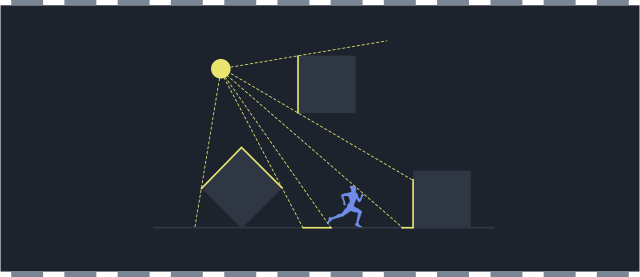
Rendering concepts
Rendering techniques
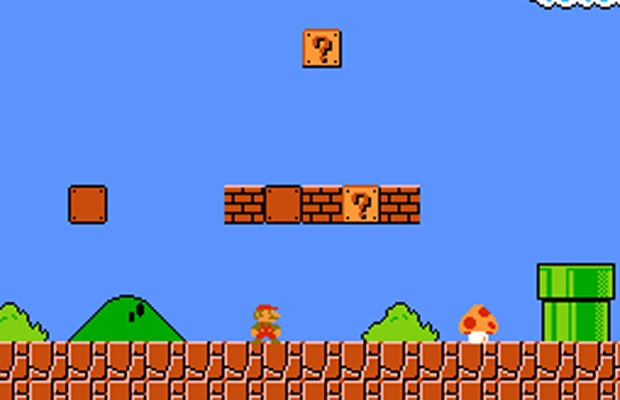
Sprite placement
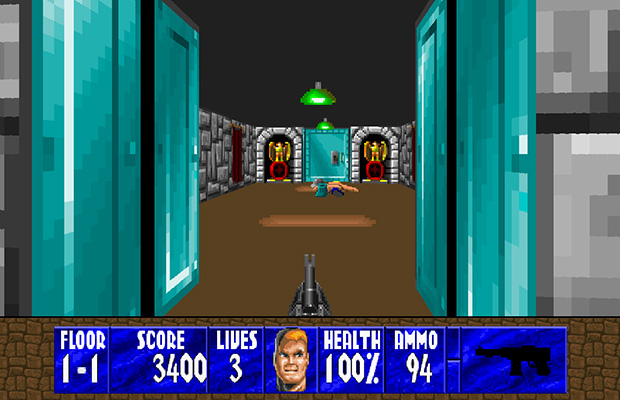
Raycasting
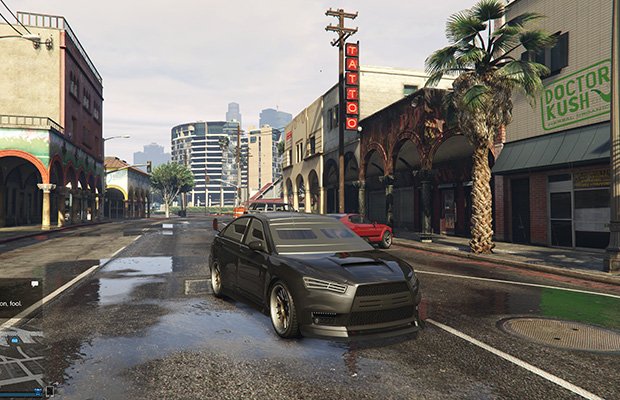
Rasterization
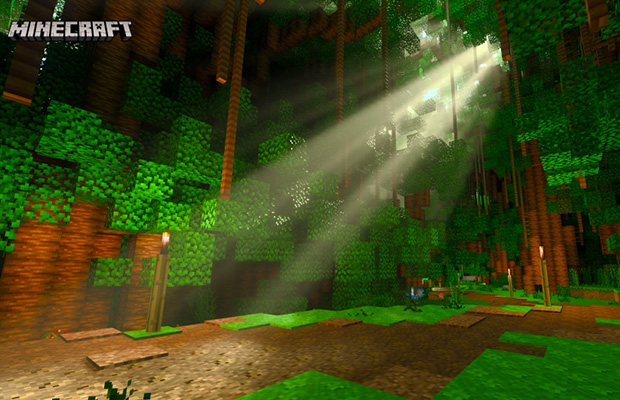
Raytracing
Raycasting
- used as a variation of raster effects to circumvent hardware limits in early-gaming era
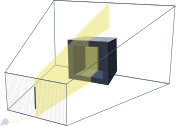
- we cast a ray, obtain an object it hits and render its trapezoid
- horizontal raycasting (racing games, fighting games), vertical raycasting (FPS)
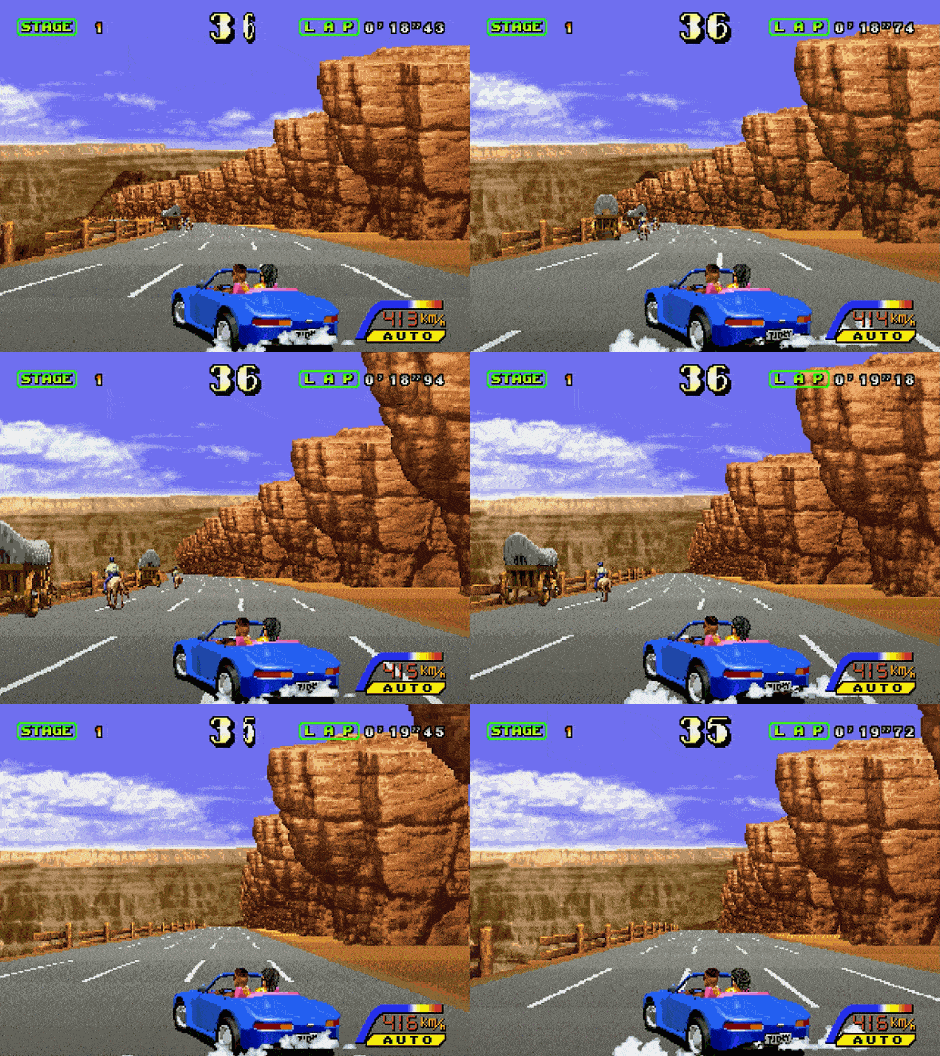
1992: Outrunners
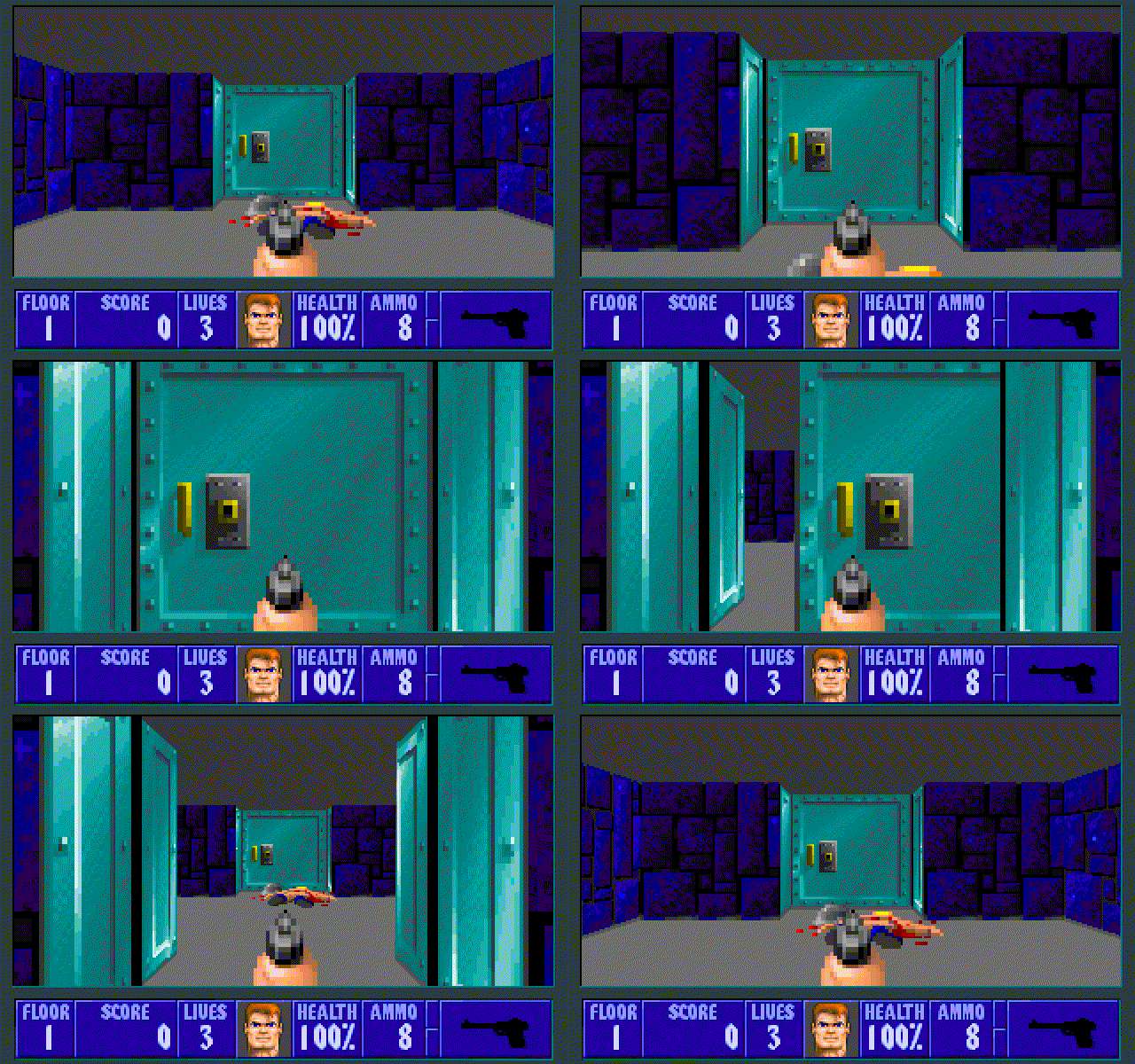
1992: Wolfenstein 3D
Top-notch Raycasting games
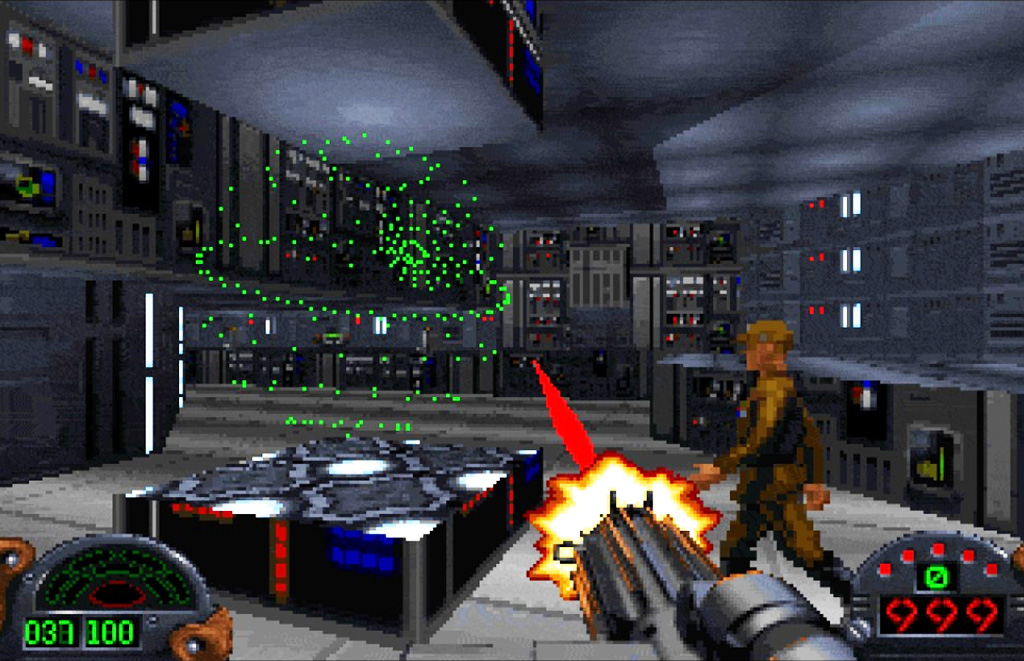
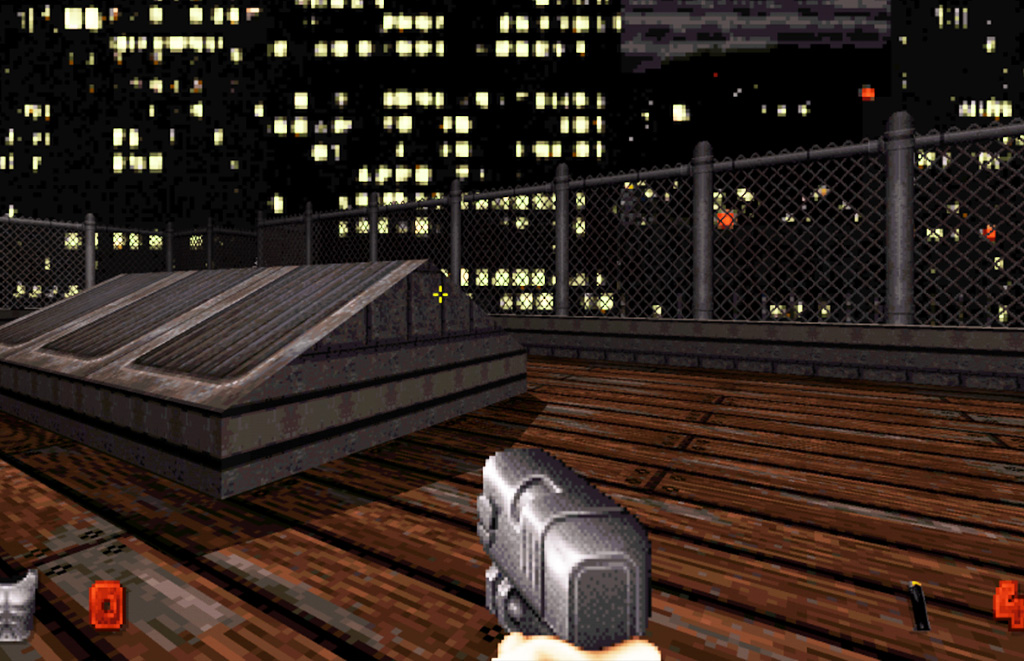
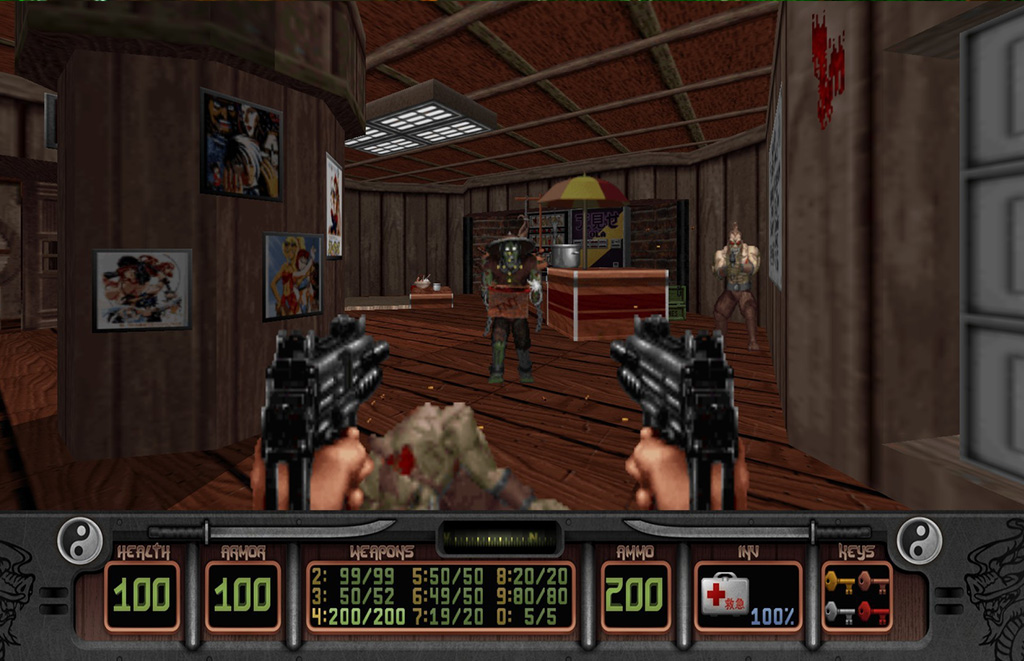
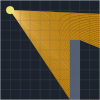
Raycasting
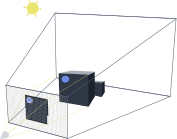
- send out a ray that starts at the player's location
- move this ray forward with the direction of the player
- if the ray hits an object, process it
Principle
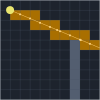
Precise sampling
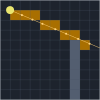
Fixed sampling
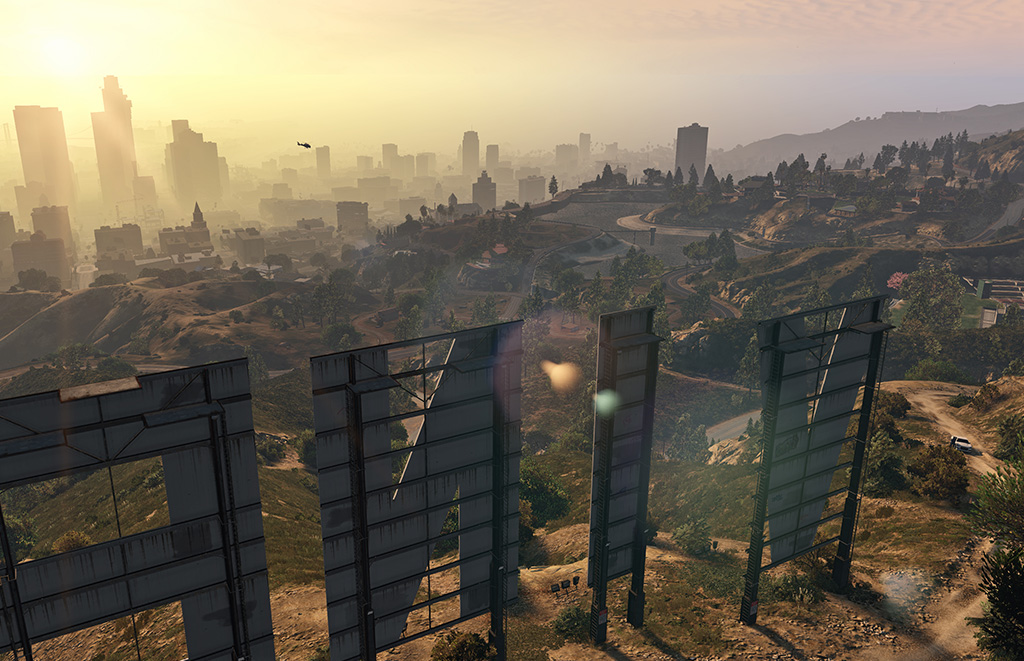
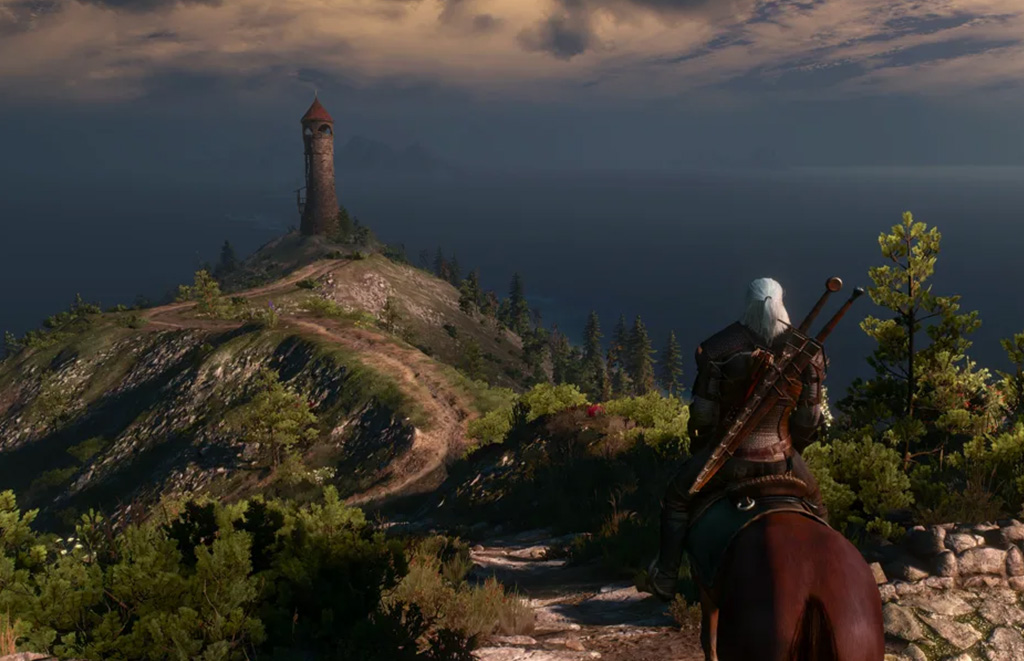
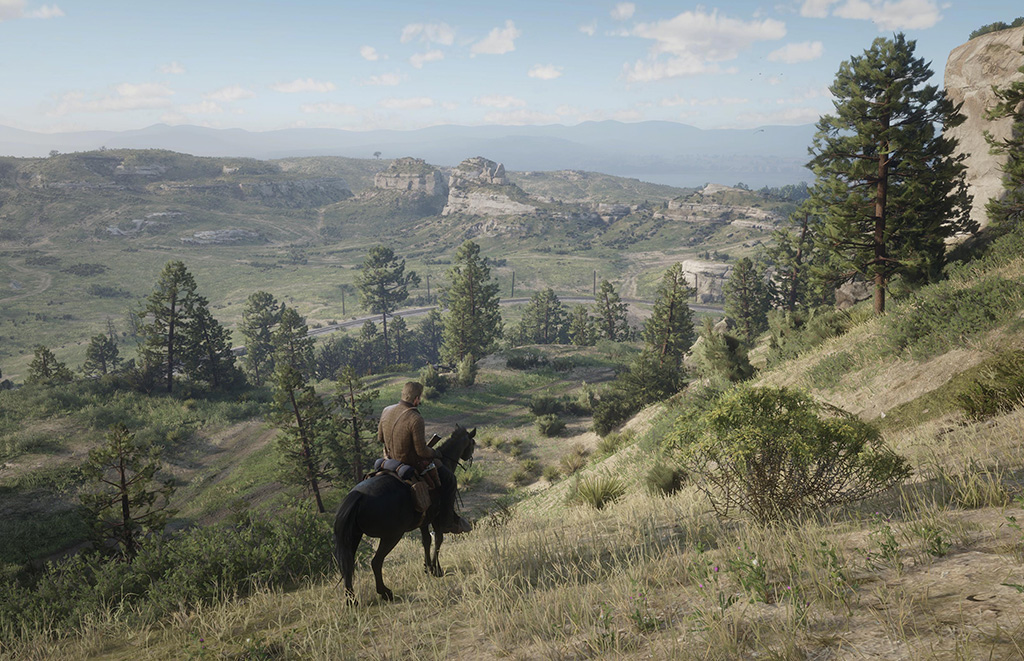
Rasterization
- converts each triangle into pixels on a 2D screen
- shadows are either baked, or calculated via shadow maps or shadow volumes
- light color is calculated in shaders

Vertex lighting
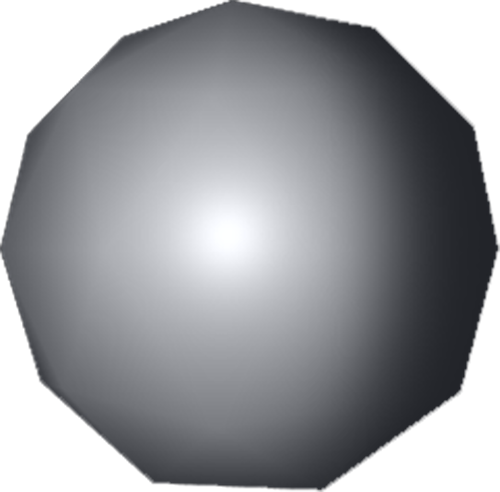
Fragment lighting

Shadow mapping
Top-notch Rasterization games

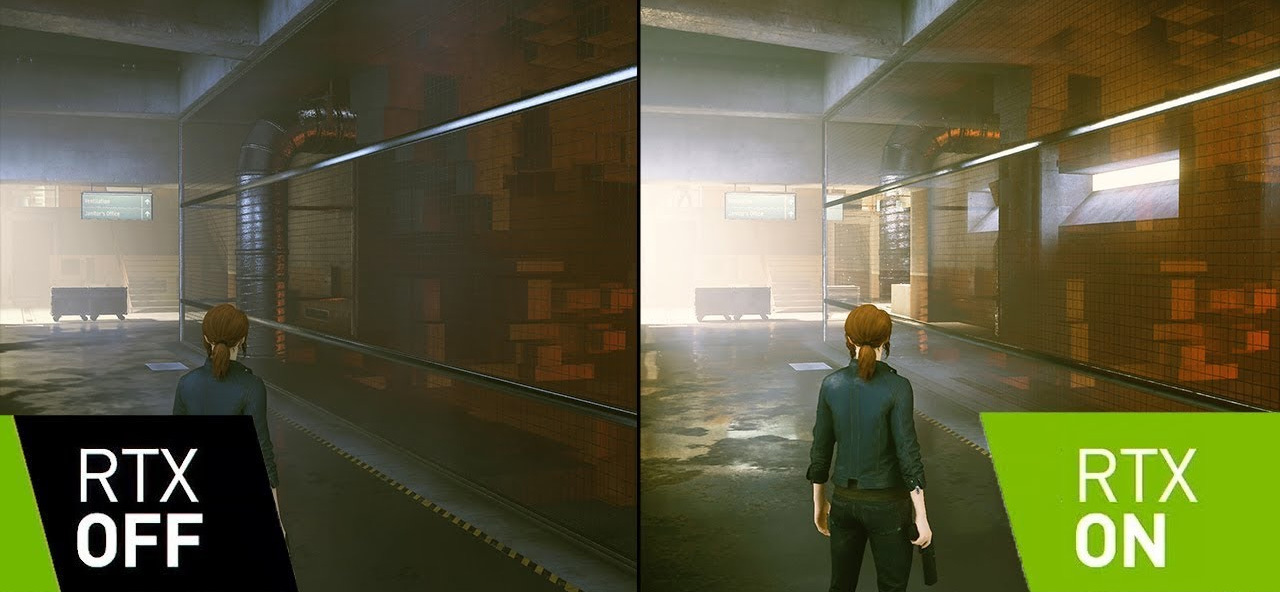
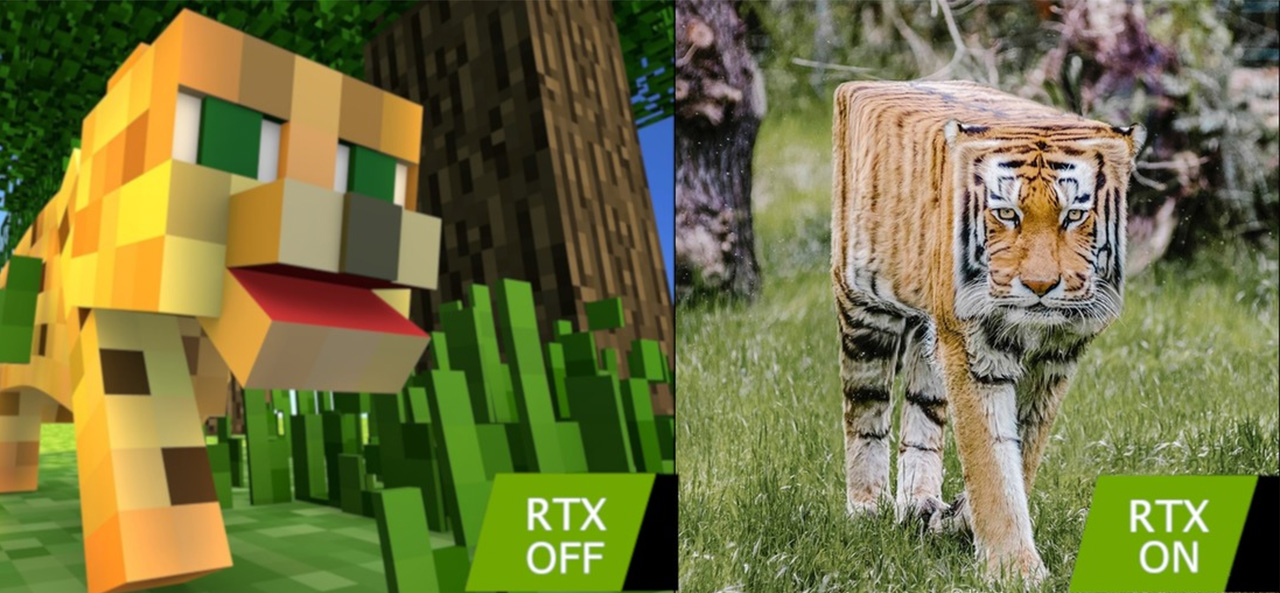
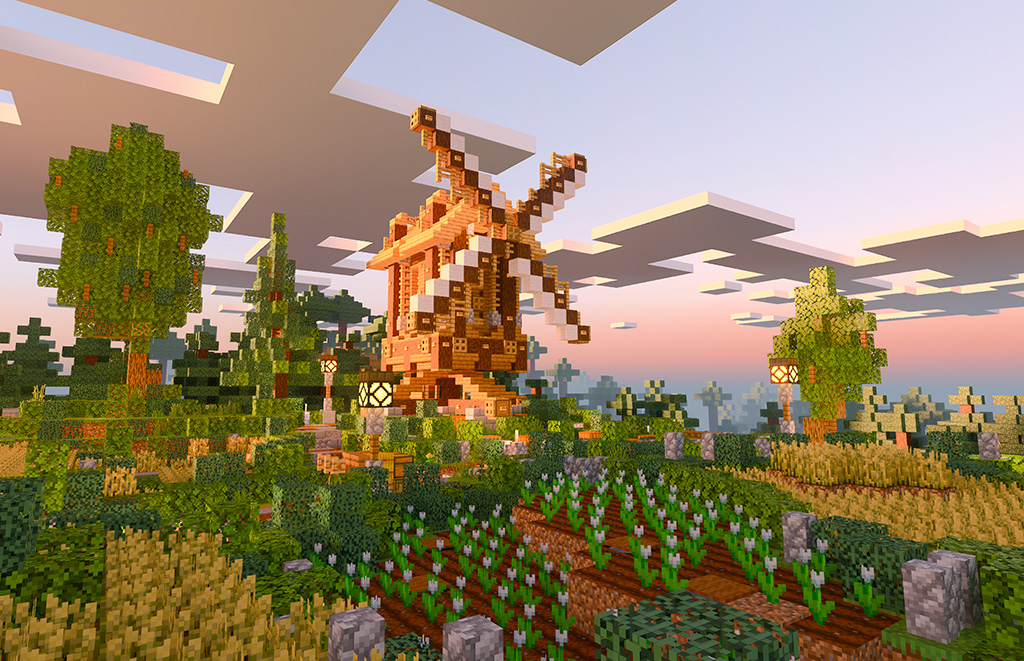
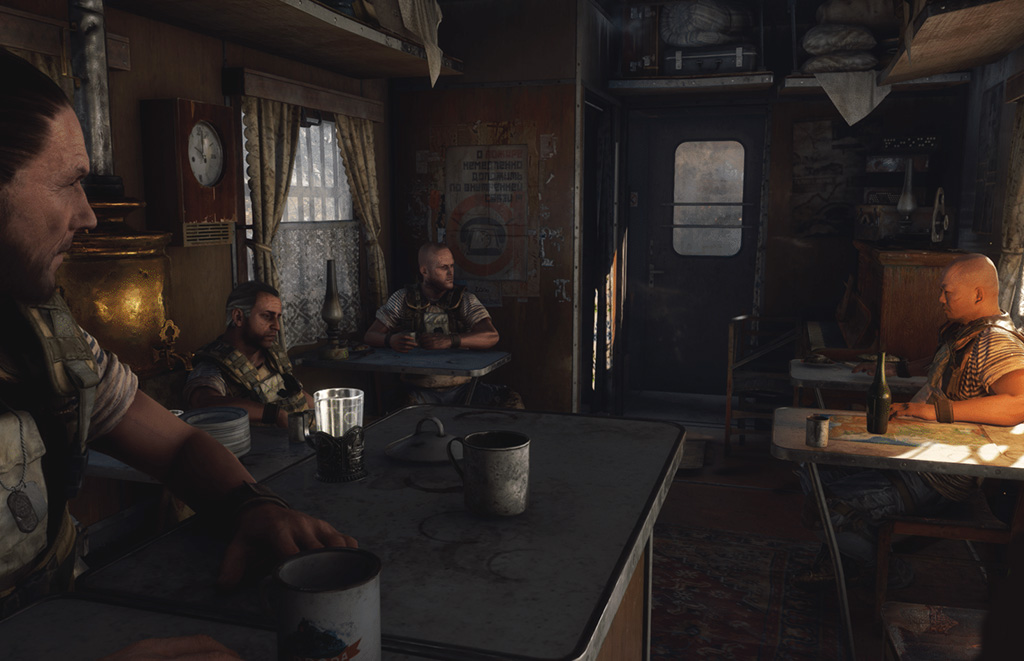
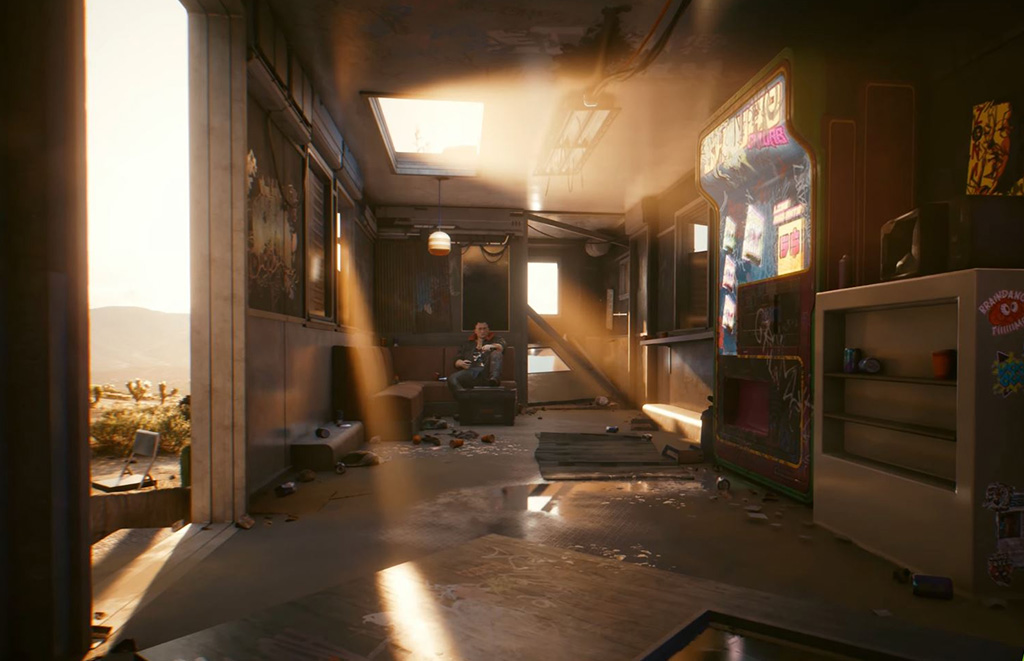
Raytracing
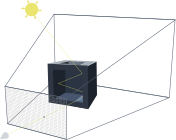
- provides realistic lighting by simulating the physical behavior of light
- several phases: ray-triangle tests, BVH traversal, denoising
- use-cases: reflections, shadows, global illumination, caustics
- the light traverses the scene, reflecting from objects, being blocked (shadows), passing through transparent objects (refractions), producing the final color
- APIs: OptiX, DXR
Top-notch Raytracing games
Other techniques
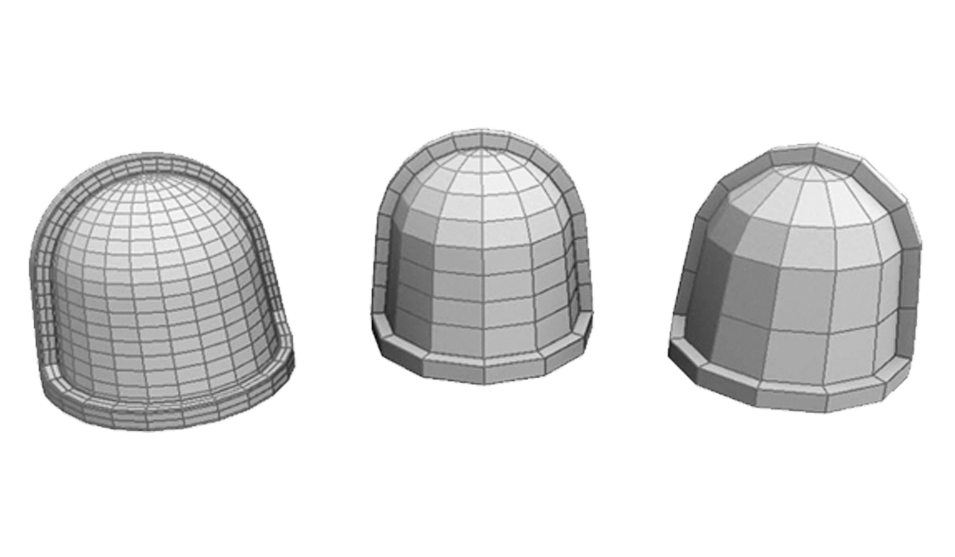
LOD
- level of detail, boosts draw distance
- pioneered with Spyro the Dragon Series
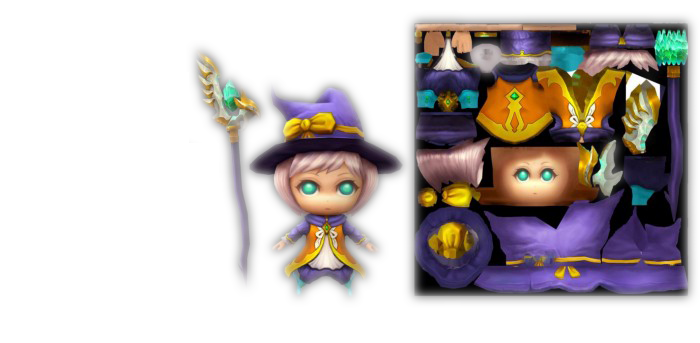
Texture mapping
- mapping of 2D surface (texture map) onto a 3D object
- early games have issues with perspective correctness
- common use - UV mapping
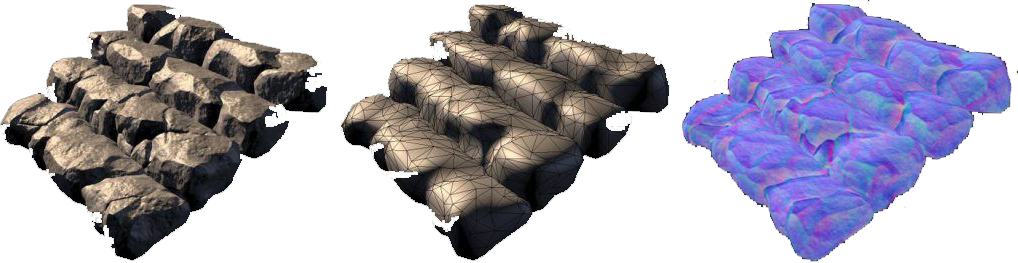
Baking
- a.k.a rendering to texture
- generating texture maps that describe different properties of the surface of a 3D model
- effects are pre-calculated in order to save computational time and circumvent hardware limits

Light baking
- common technique to create pre-rendered static lights
- is usually combined with dynamic lighting - when a scene has many lights, most of them can be baked
- only works for static scenes
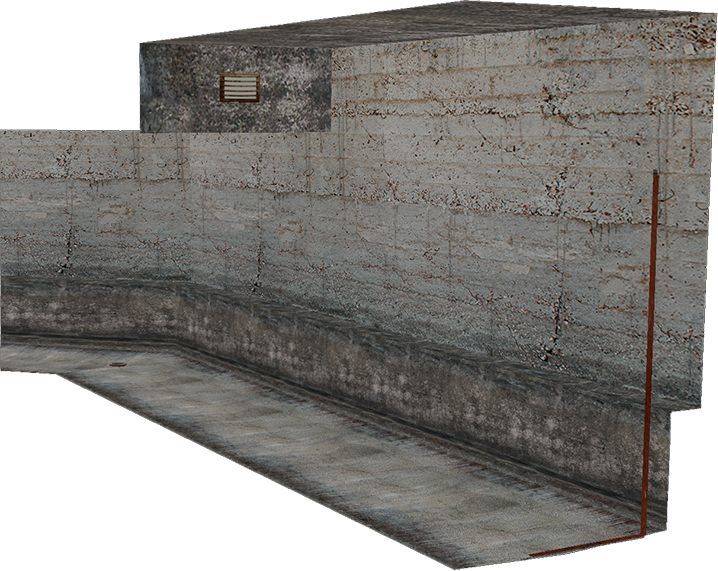
Textured scene
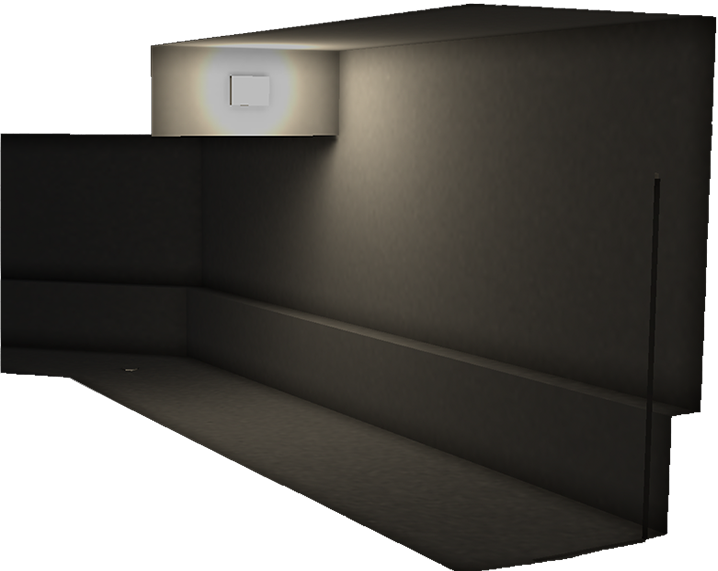
Baked lights
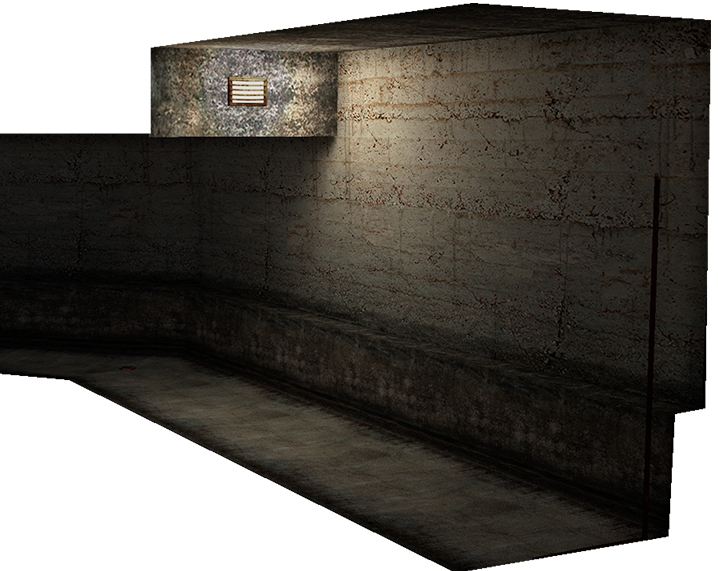
Result
Rendering features
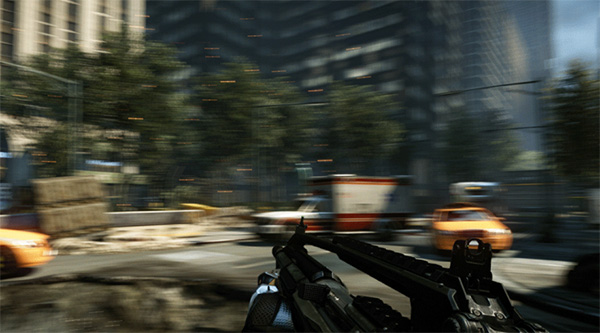
Motion blur
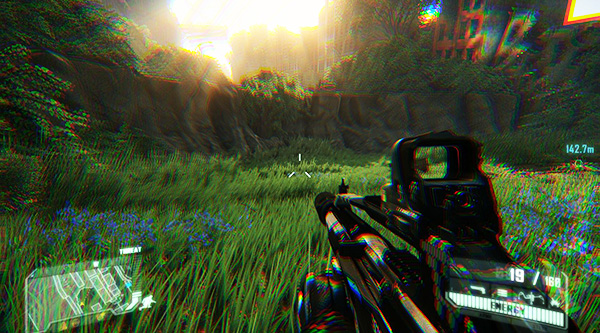
Chromatic Aberration
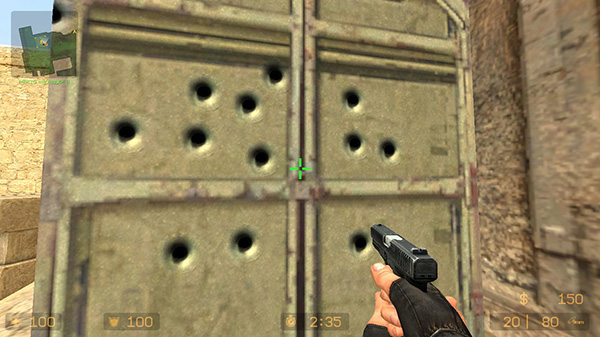
Decals
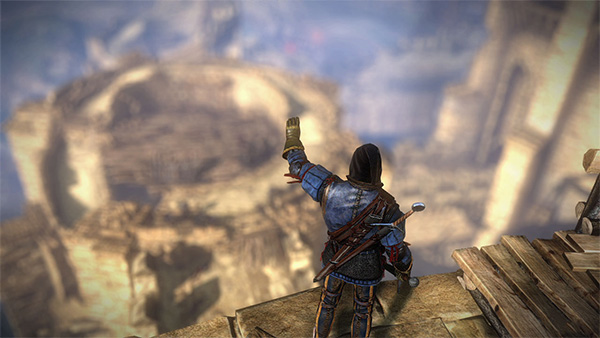
Depth of field
Rendering features
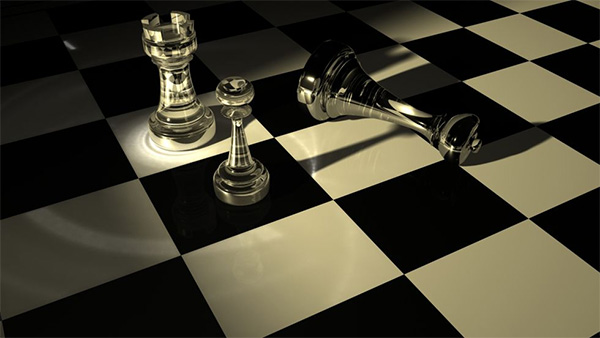
Caustics
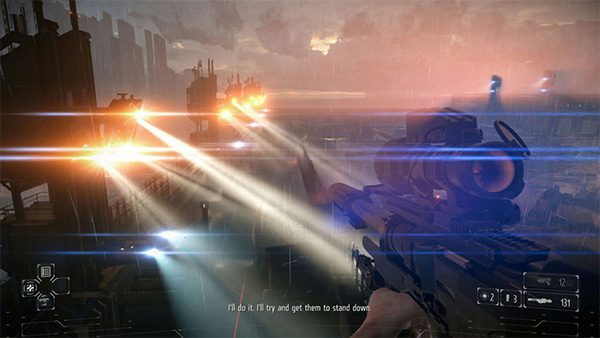
Lens flare
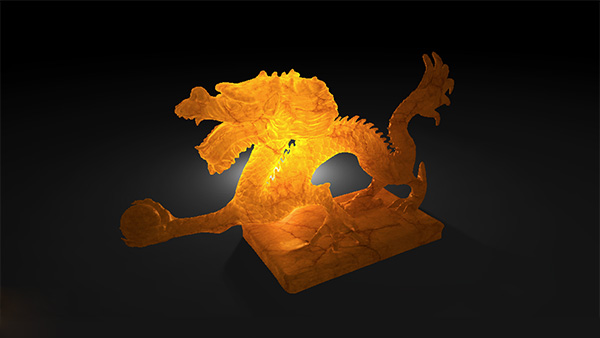
Subsurface Scattering
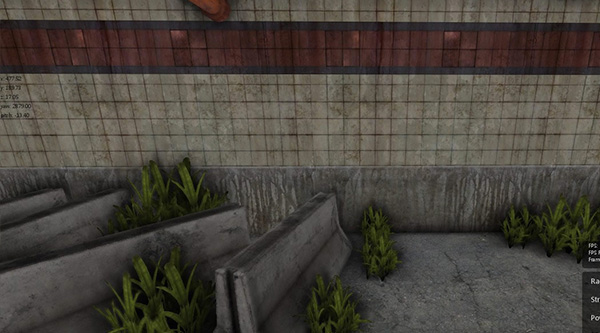
Ambient Occlusion
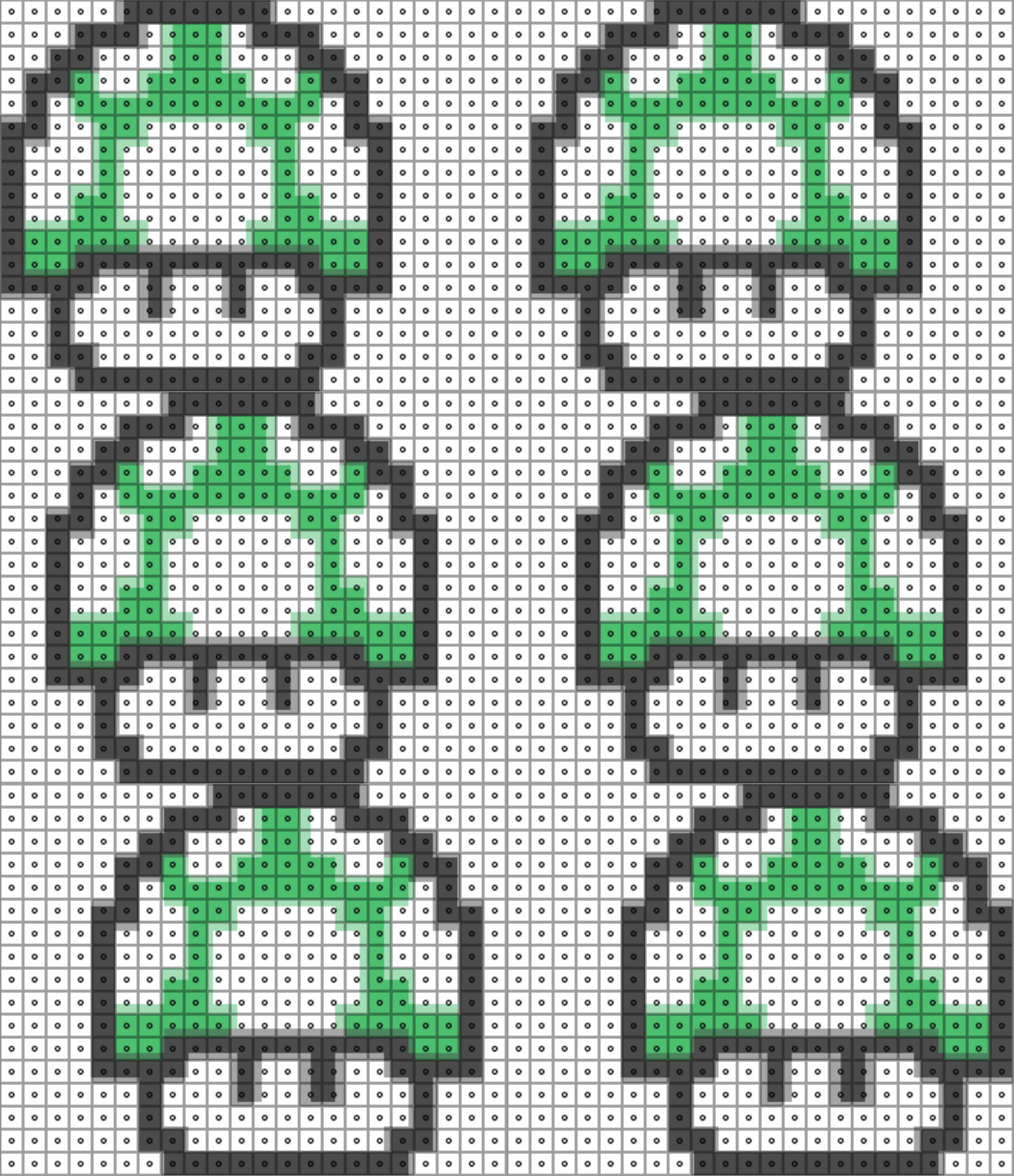
Texture filtering
- there is not a clean one-to-one mapping between texels and pixels
- GPU has to sample more than one texel and blend the resulting colors
- for each texture, we create a sequence of lower-resolution bitmaps
- objects further from the camera will use low-res textures
- the closest texel to the pixel center is selected
- the four texels surrounding the pixel center are sampled, and the resulting color is a weighted average of their colors
- bilinear filtering is used on each of the two nearest mipmap levels
- samples texels within a region corresponding to the view angle
Mipmapping
Nearest neighbor
Bilinear filtering
Trilinear filtering
Anisotropic filtering
Lecture Summary
- I know the difference between Euler angles and Quaternions
- I know the difference between model space, world space, view space, clip space and screen space
- I know what view volume and field of view are
- I know what interpolation is
- I know terms like Vertex, Fragment, Texture, Occlusion, and Culling
- I know the purpose of vertex and fragment shaders
- I know what LOD, texture mapping, texture filtering, and baking is
Goodbye Quote
Hope is what makes us strong. It is why we are here. It is what we fight with when all else is lost.